Creating high-quality reels has become easier, smarter, and much faster with the help of AI tools. If you want to produce professional-looking videos without a big setup — just like I do — then this simple, step-by-step guide will help you understand the full process. From generating avatars to scripting, editing, and final enhancements, everything becomes smoother when you use the right tools. Here’s exactly how I create my reels using AI.
1. Start by Creating an AI Avatar
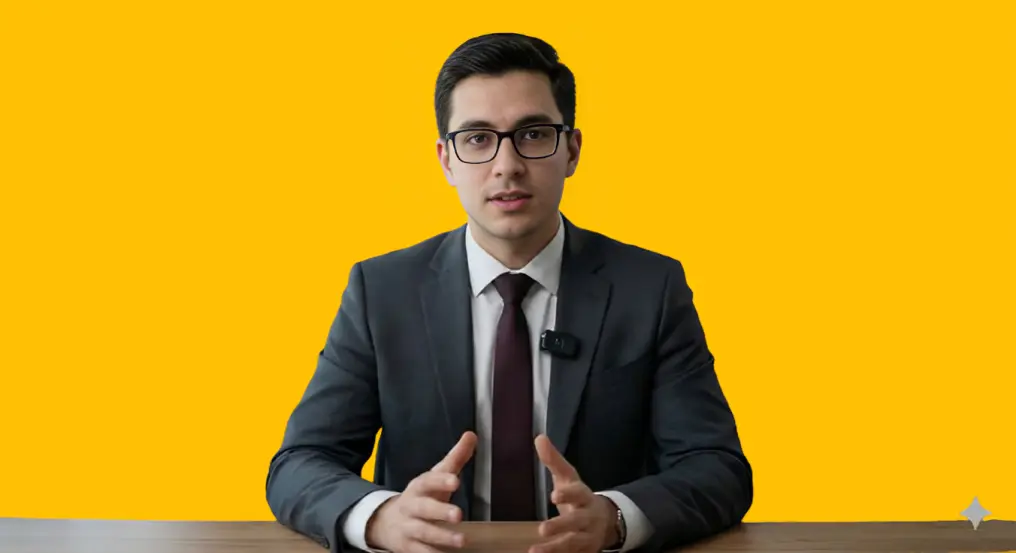
The first step in my workflow is generating a clean, attractive, and eye-catching avatar. I usually switch between two tools — Leonardo AI and Google Gemini.
Leonardo helps me create highly realistic avatars, while Gemini is great for smooth, animated characters. I choose the style depending on the type of reel I’m planning to post.
By starting with the avatar, I ensure my content has a consistent identity — something my audience can instantly recognize.
2. Pick the Idea From the Platform You’re Targeting
Before scripting anything, I visit the platform for which the reel is being created — whether it’s Instagram, YouTube Shorts, or TikTok.
I study trending videos, viral hooks, and content styles. I look at what people are watching, what problems they’re searching for, and what type of audio or editing style is performing best.
This research step keeps my content relevant, trend-friendly, and aligned with what the algorithm wants to push.
3. Use ChatGPT for Scriptwriting

I use ChatGPT for scripting as soon as I have an idea. Usually, I ask for succinct, interesting sentences that are pleasant, understandable, and straightforward. ChatGPT refines the hook, enhances the message flow, and makes the script sound natural. This stage gives me a script that is straightforward, human, and prepared for voice acting.
4. Generate Voiceover With ElevenLabs
After the writing is ready, I transfer to ElevenLabs to generate the audio. This application makes highly realistic voices – smooth, clear, and natural. However, I don’t end there. I use Lexis Audio Editor, a smartphone program that helps eliminate background noise, add clarity, and improve the final quality, to make the audio even better. A high-quality voiceover rapidly increases the overall quality of the reel.
5. Edit the Reel in CapCut and Canva
Editing is the last stage. I primarily use CapCut since it’s fast, easy, and filled with AI functions – excellent for reels. I create transitions, text animations, subtitles, effects, and my AI avatar. If I require cleaner visuals, thumbnails, or extra design elements, I turn to Canva. By using these tools, I make a totally polished, smooth, and professional-looking reel.
Final Thoughts
This complete AI-powered methodology — from generating avatars, picking concepts, writing screenplays, boosting audio, to editing — lets me generate high-quality reels quickly and reliably. With the correct tools, anyone can generate content that looks professional, sounds clean, and works well across platforms. AI doesn’t replace creativity – it merely promotes it, making the whole process faster and more exciting. Follow for more updates on Tech Education.

Hi, I’m Sikander Naveed — the mind behind this platform dedicated to online earning, technology, and smart business ideas. I created this site to share practical knowledge, latest trends, and real opportunities that can help you grow financially in the digital world. Whether you’re looking to start a side hustle, explore passive income methods, learn about useful tech tools, or understand how digital businesses work, you’re in the right place.